What is this game
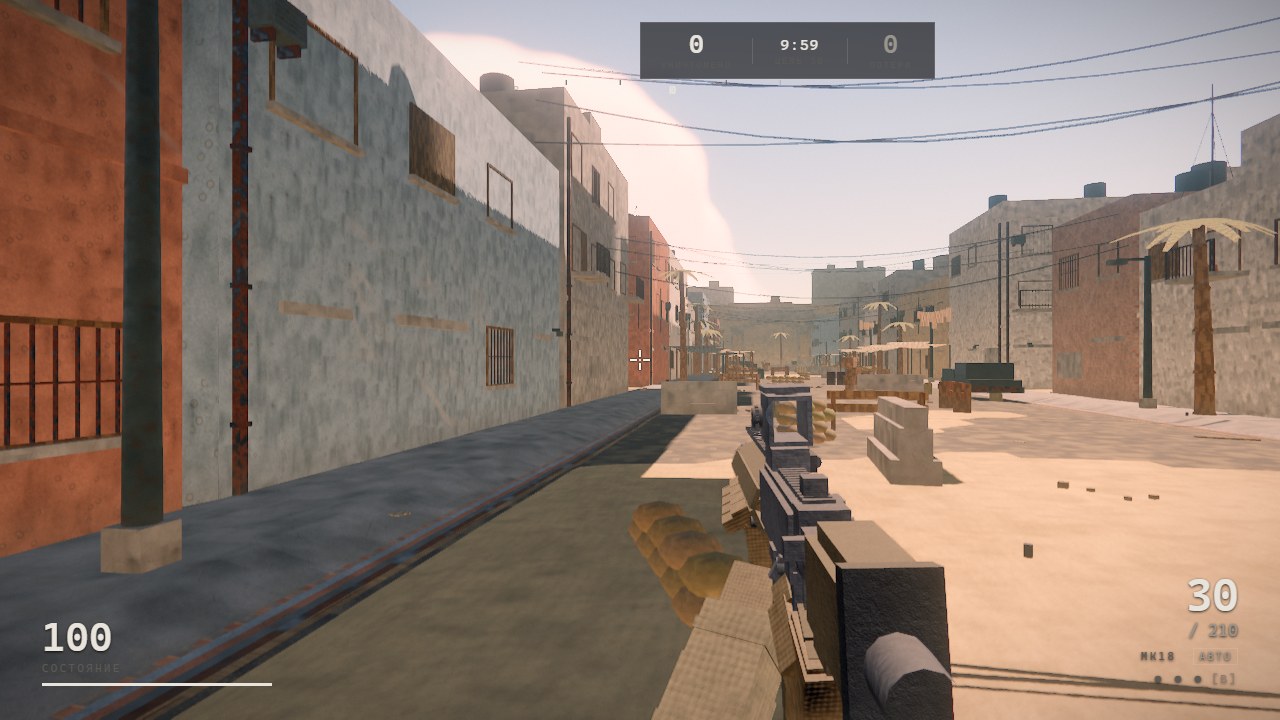
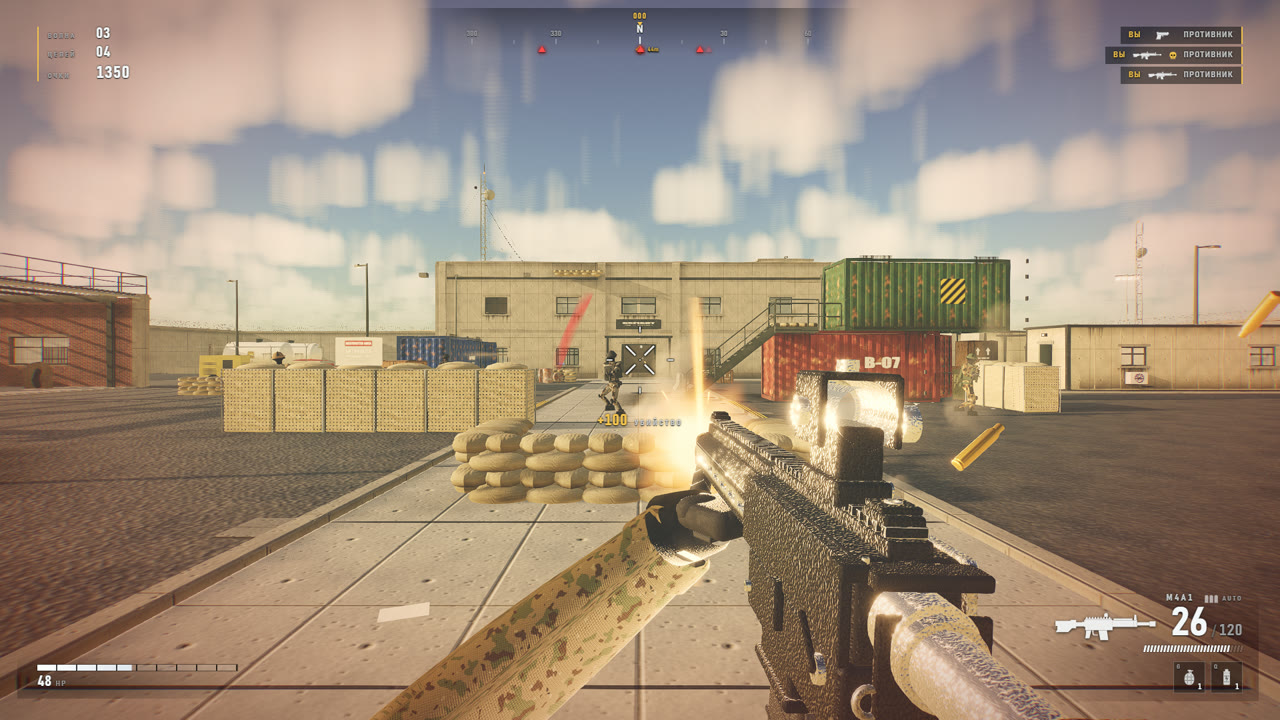
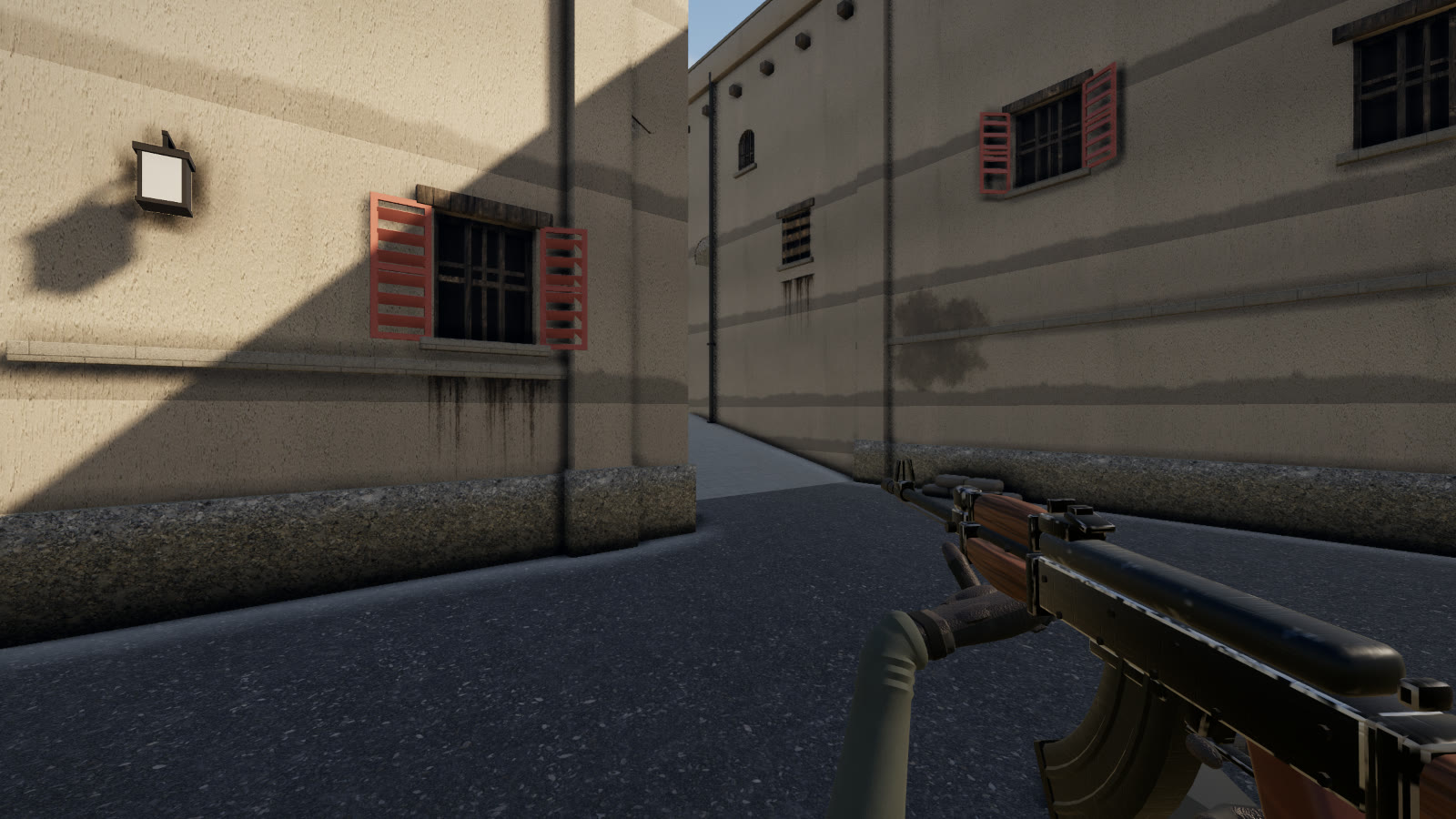
Bombsite A on Dust II and five opponents. A round is won by planting the bomb and guarding it, or by defusing it, and sides switch after every round. Recoil, spread and movement speed work like in a tactical shooter, not an arcade: a long burst from the hip hits the wall, a short one hits the target. Besides the classic scenario there is Squad, five against five, and Waves.
The game runs right in the browser: no client to download, no launcher to install, no hunting for a working build. Open the page and play. Your balance and purchases are stored on the server, so you can pick them up from another device.
How to start playing GRUSH
- Open the game page and pick a mode: Site A, Squad or Waves.
- At the start of the round check your side: attackers carry the bomb, defenders hold the site.
- Move from corner to corner, fire short bursts and reload somewhere safe.
Features
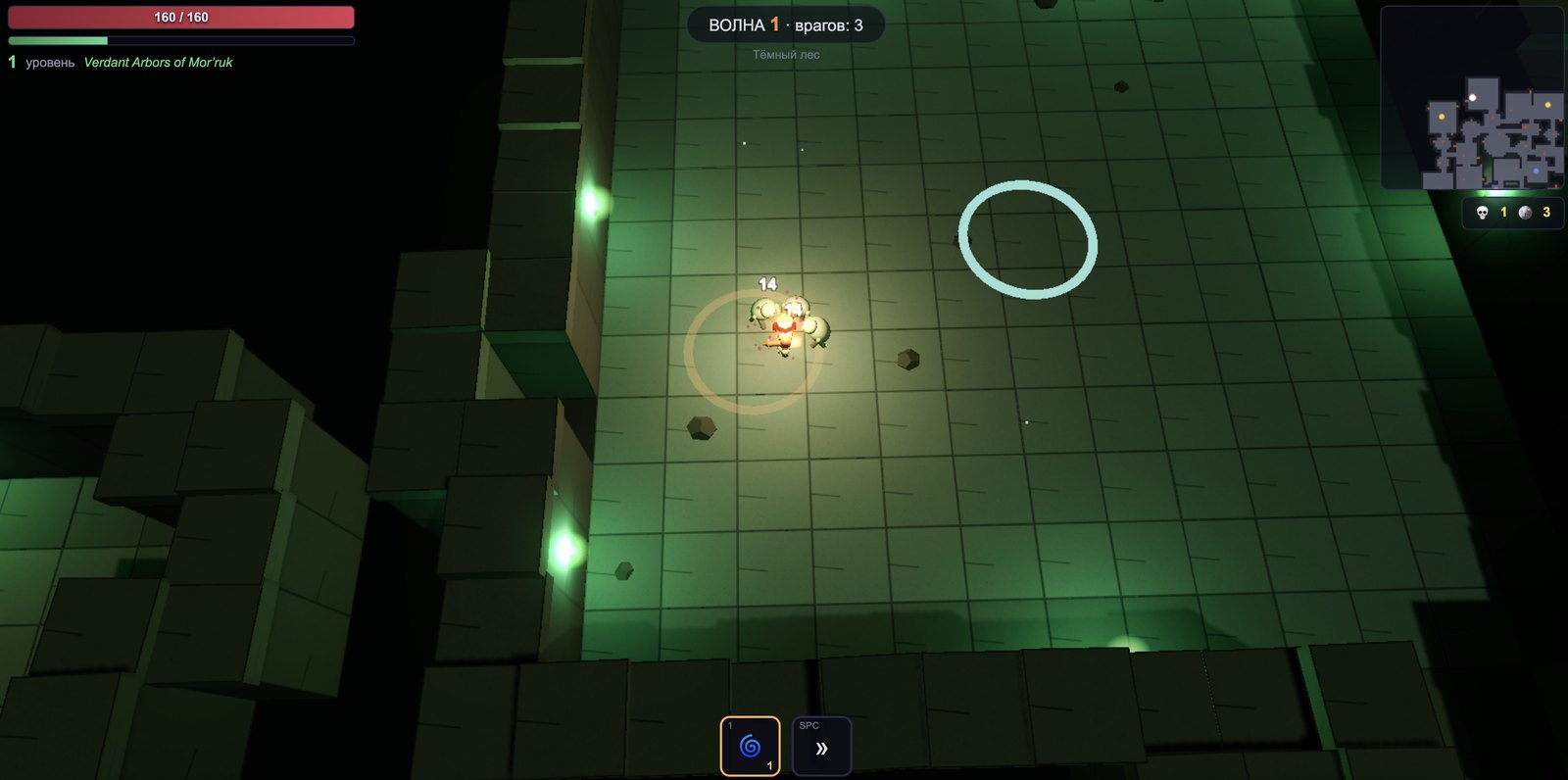
- Three modes. A classic bomb round, Squad — four teammates at your side against five opponents — and Waves, where every wave brings more enemies.
- Honest gunplay. Recoil and spread grow with long bursts and running, so accuracy matters more than clicking fast.
- Weapon skins. Fifteen variants across five rarities for GG, with no effect on combat.
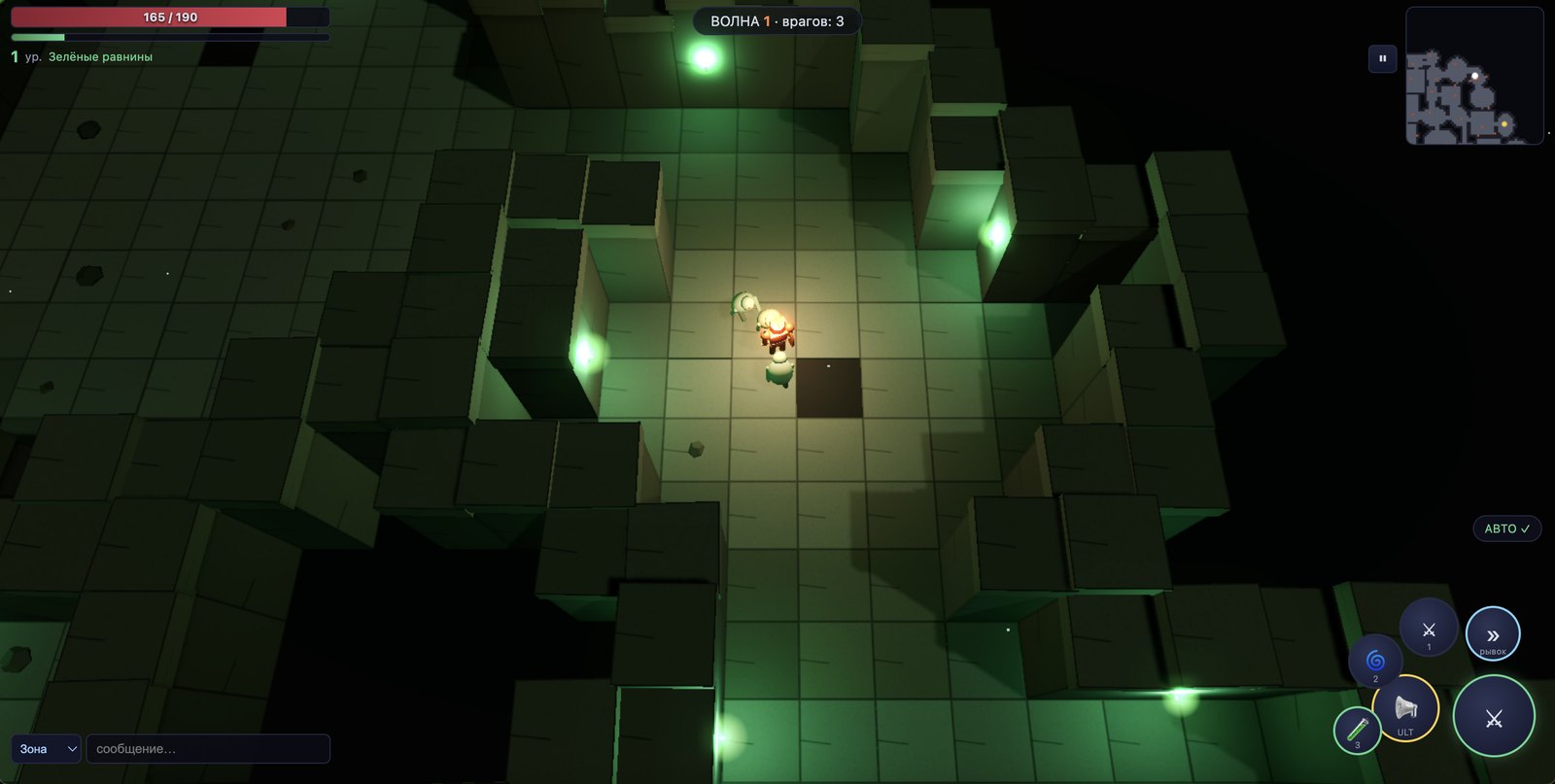
- Phone and PC. A stick, a look area and a fire button appear on touchscreens; on a computer you get the familiar WASD layout.
Tips for beginners
Do not run across open ground with your gun up: spread is at its worst while moving. Stop before you shoot, keep the crosshair at head height and reload behind cover. Crouching (Shift) tightens spread and walking (Ctrl) keeps you quiet — useful when approaching the site.
If the picture stutters, lower the graphics quality in settings and close spare tabs — browser games share video memory with everything else that is open.
Questions and answers
Do I need to download GRUSH?
No. The game runs in the browser — just open the page.
How much does it cost?
Playing is free. GG buys weapon skins only, and they do not affect the outcome of a round.
Can I play on a phone?
Yes: a joystick and buttons appear on touchscreens, no separate app is needed.
What if the game does not open?
Reload the page, make sure your browser is up to date and turn off ad blockers for gggame.fun.